
Appearance
Product tour
A screen-by-screen walk through RAGBot, in roughly the order you'll meet each page. Use it as a visual map — every screenshot here is the real app.
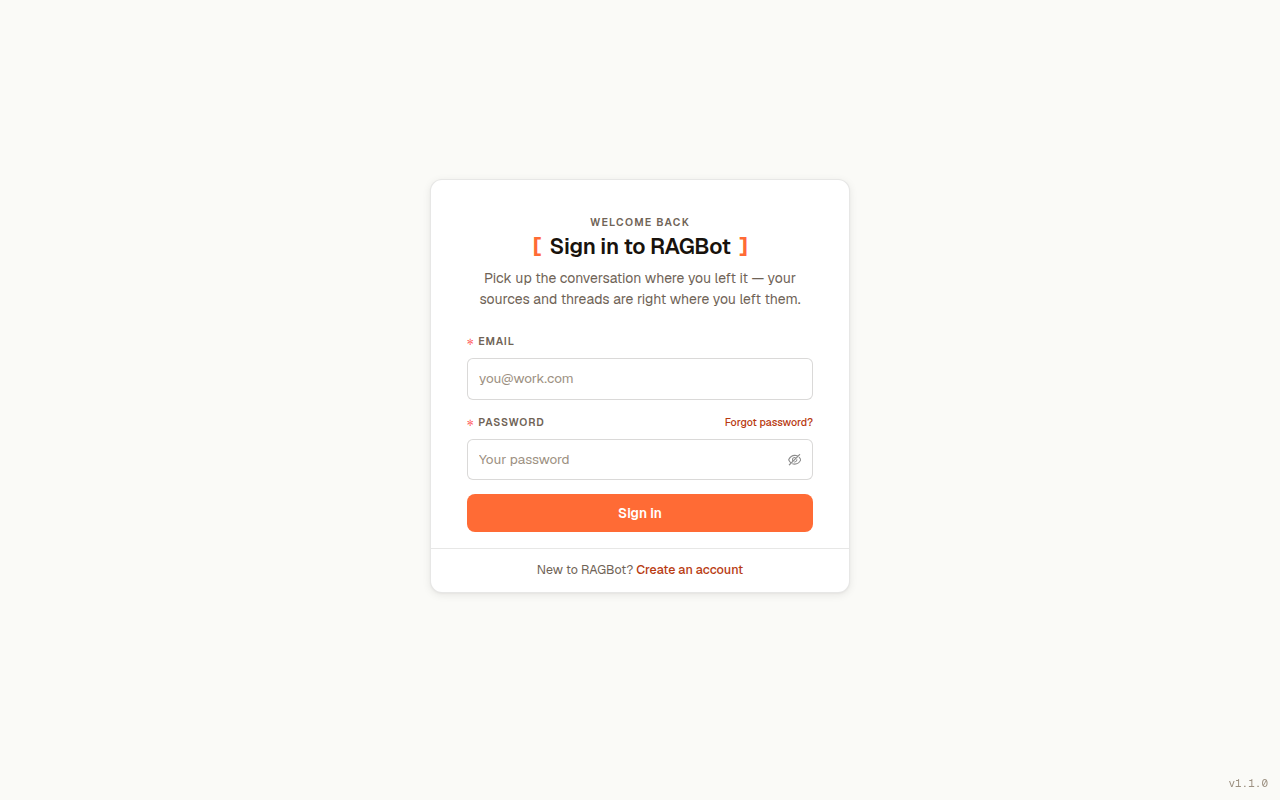
Signing in
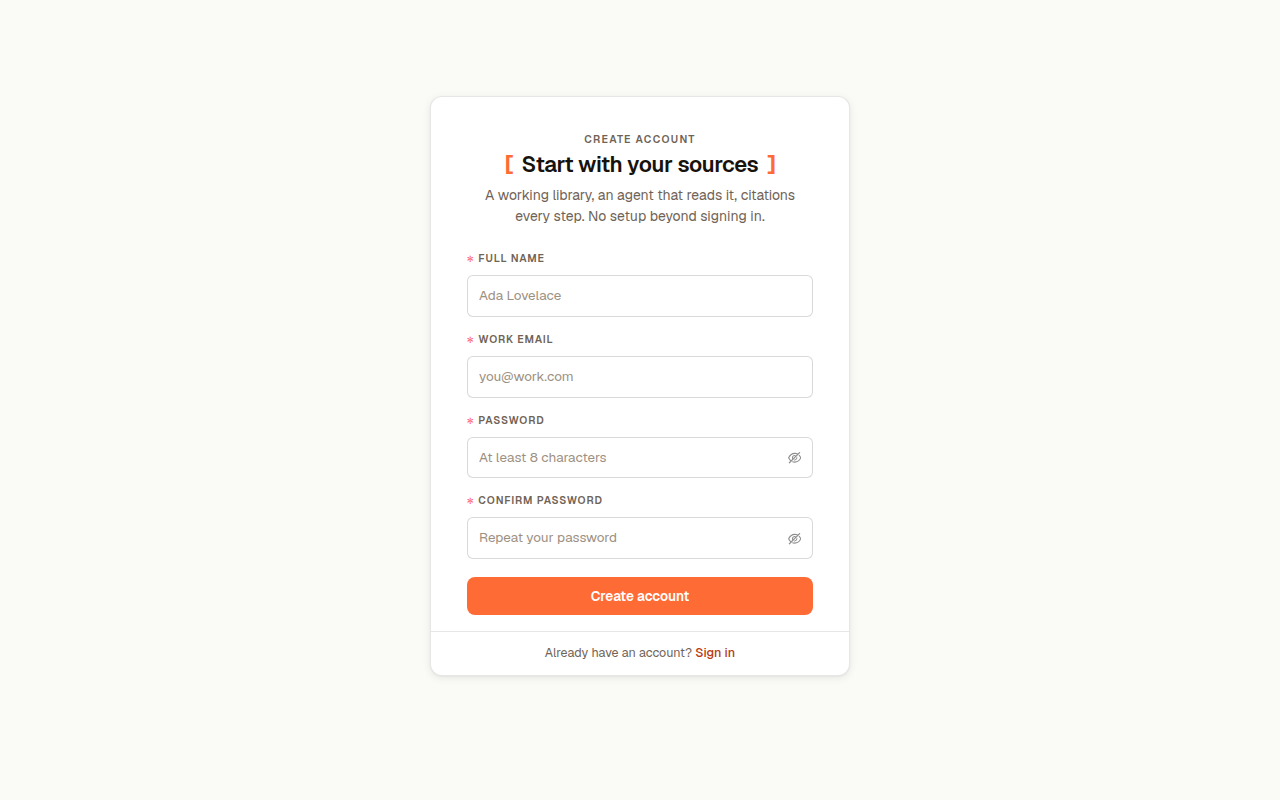
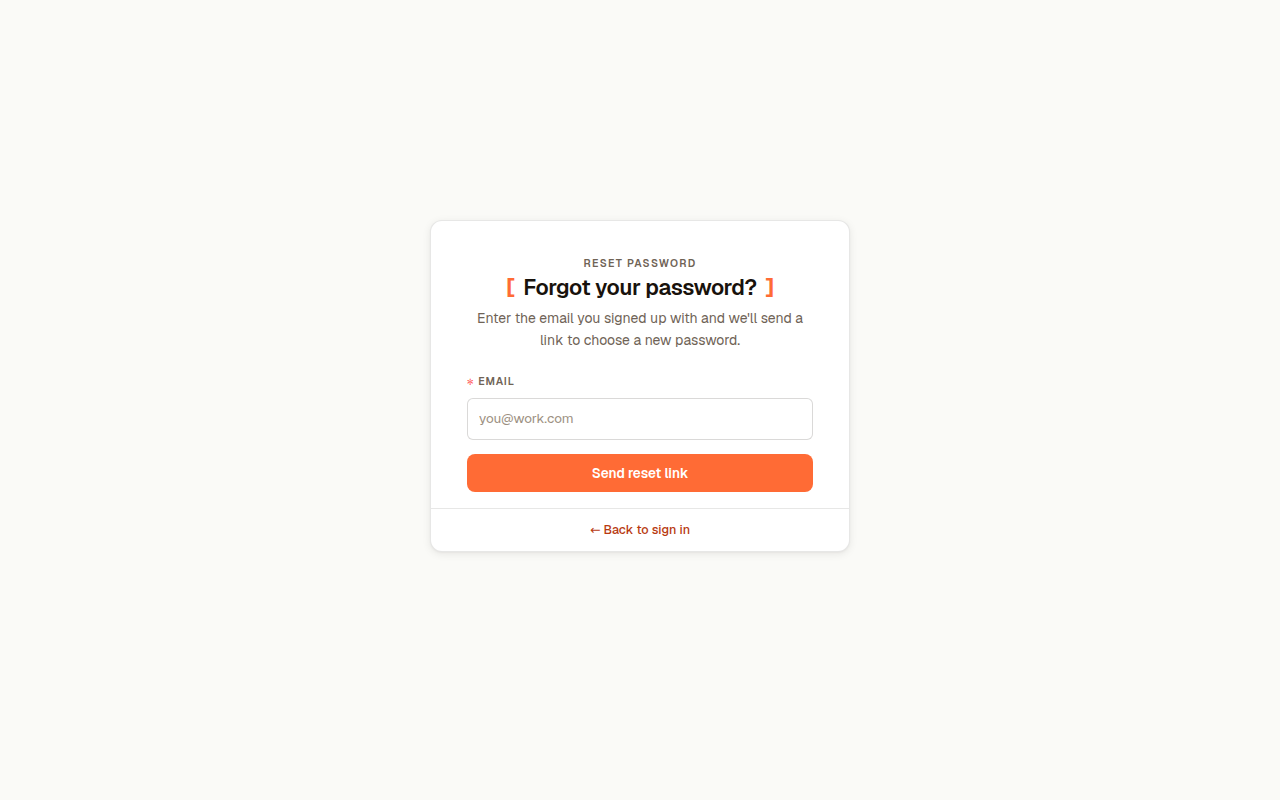
You start at the sign-in screen. New users create an account and verify their email first; see Accounts & signing in.
Workspaces
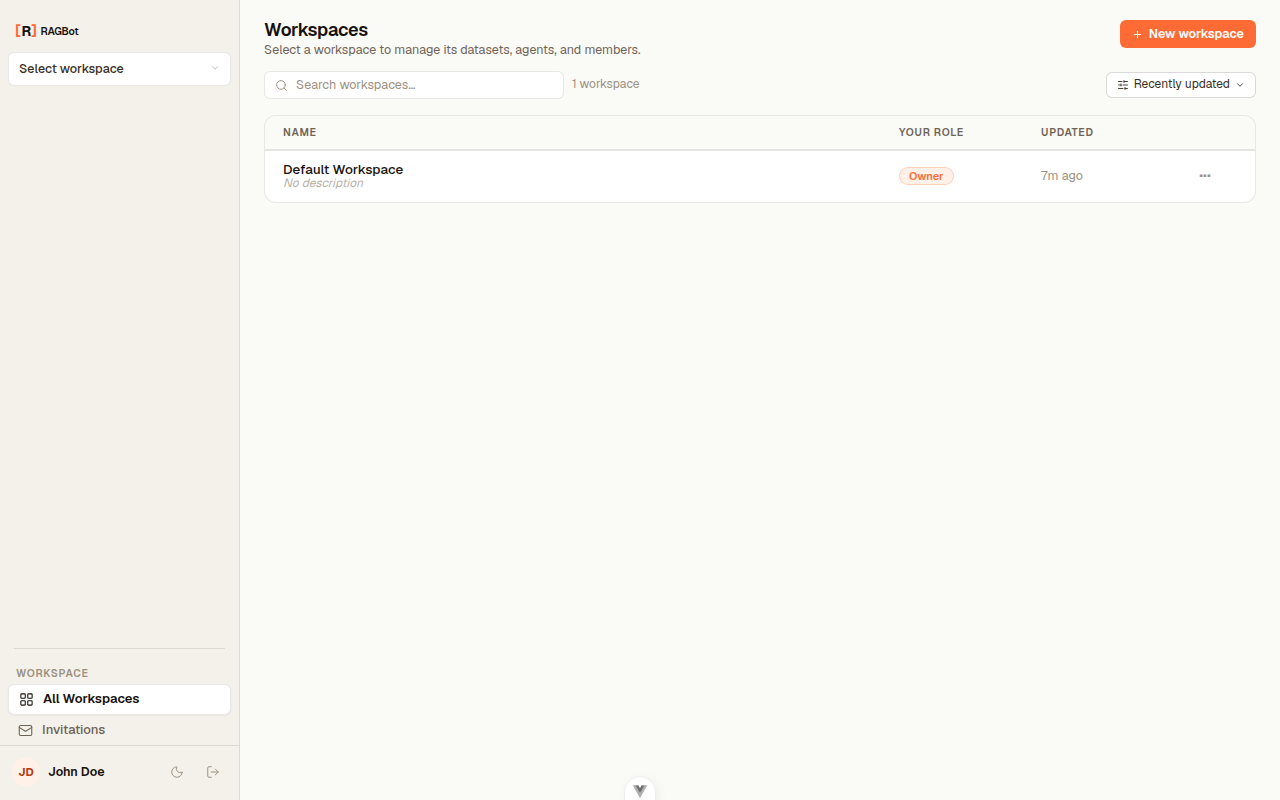
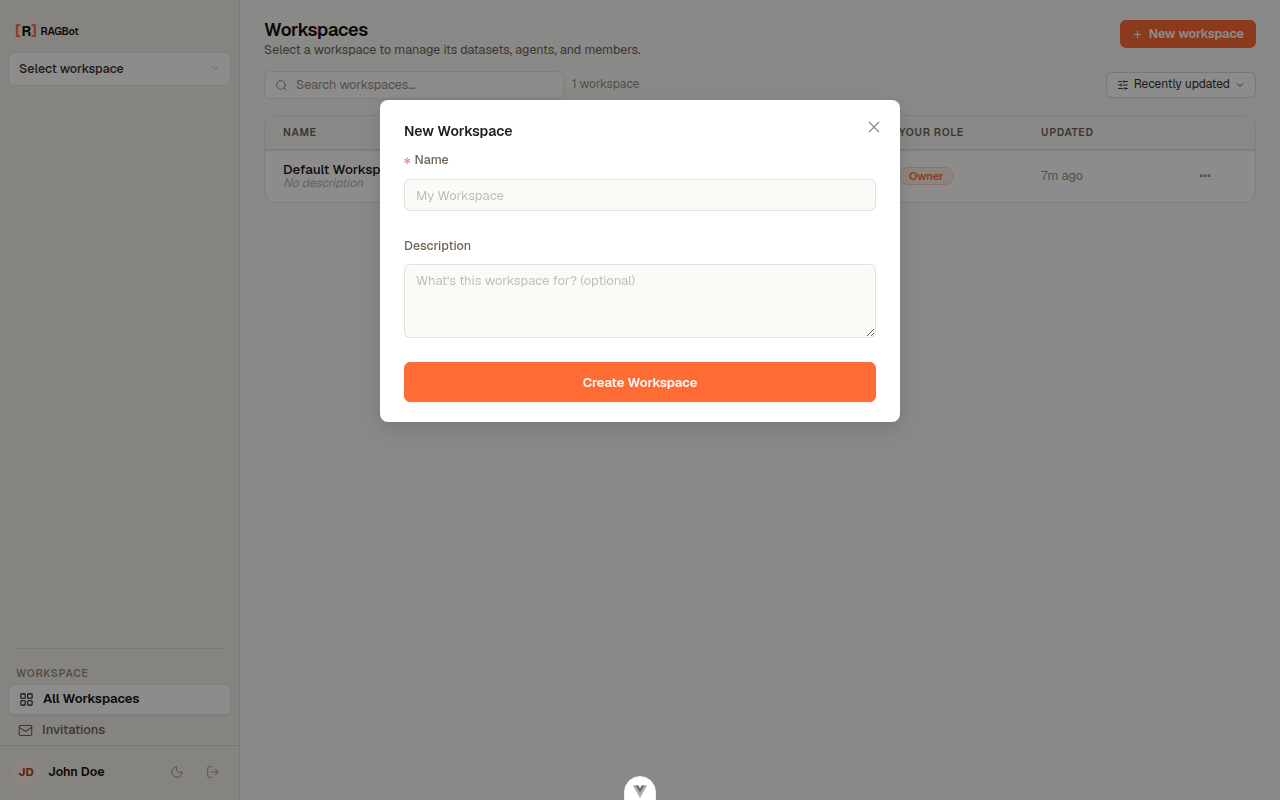
After signing in you land on your workspaces — the sealed spaces that hold everything. Pick one to enter it, or create a new one.
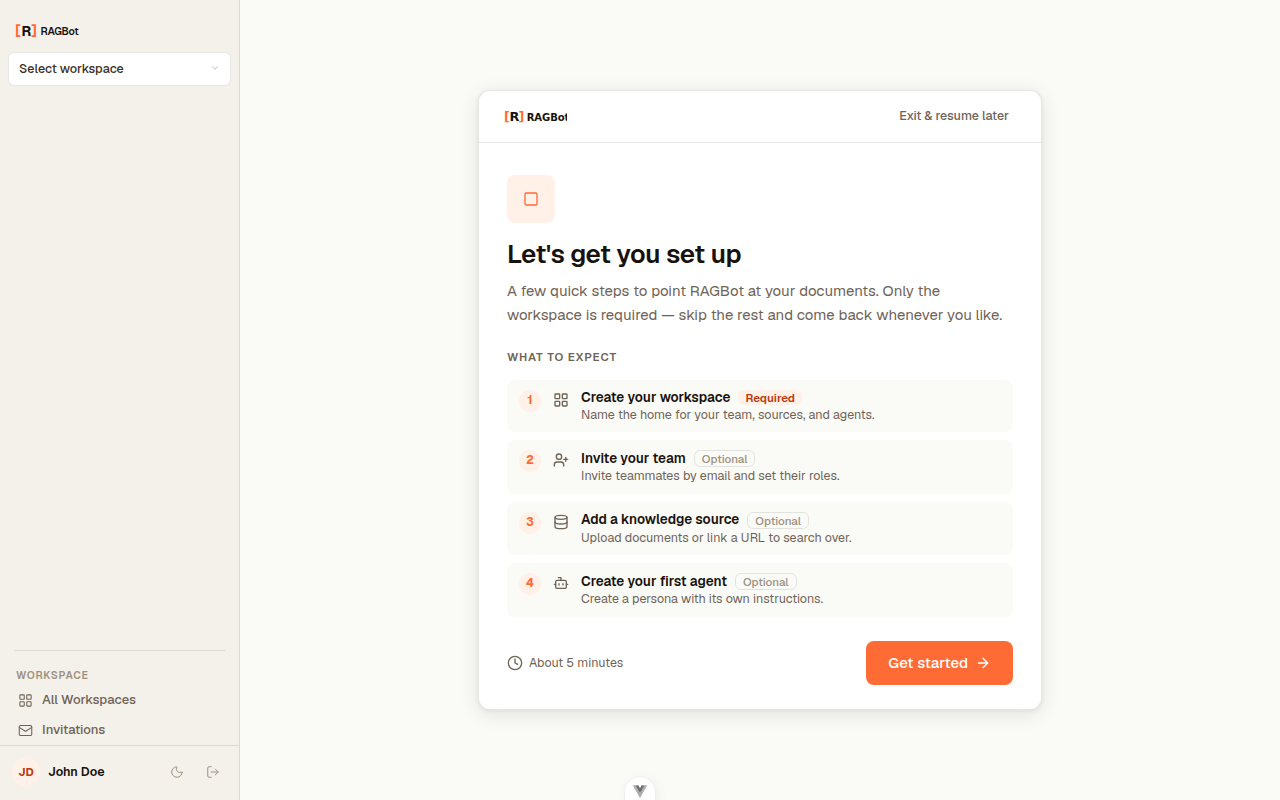
First time here?
Brand-new users who don't belong to any workspace yet are walked through a short onboarding wizard — welcome, create a workspace, invite teammates, add a source, and meet your agent. Once you have a workspace, the app takes you straight to it instead. See the full Onboarding walkthrough.
Datasets
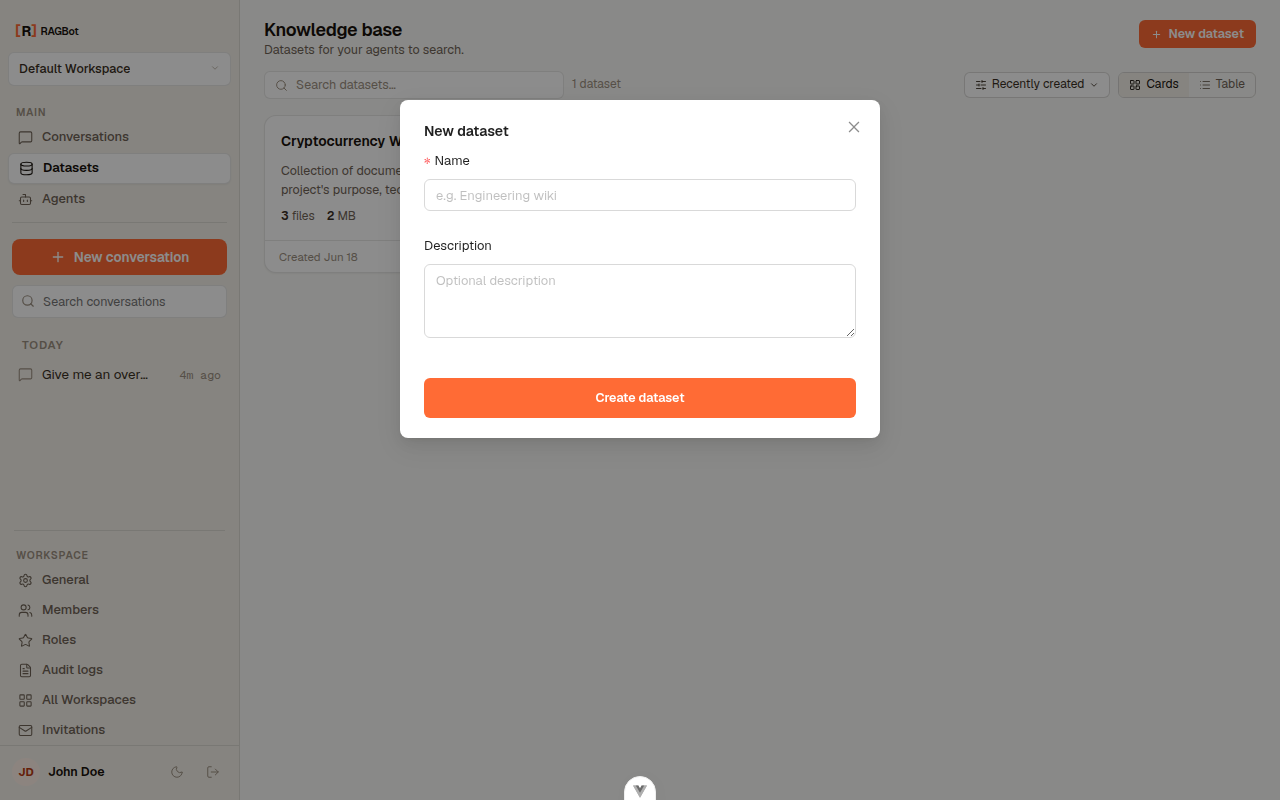
Inside a workspace, Datasets is your knowledge base. Browse as cards or a table, search, and sort.
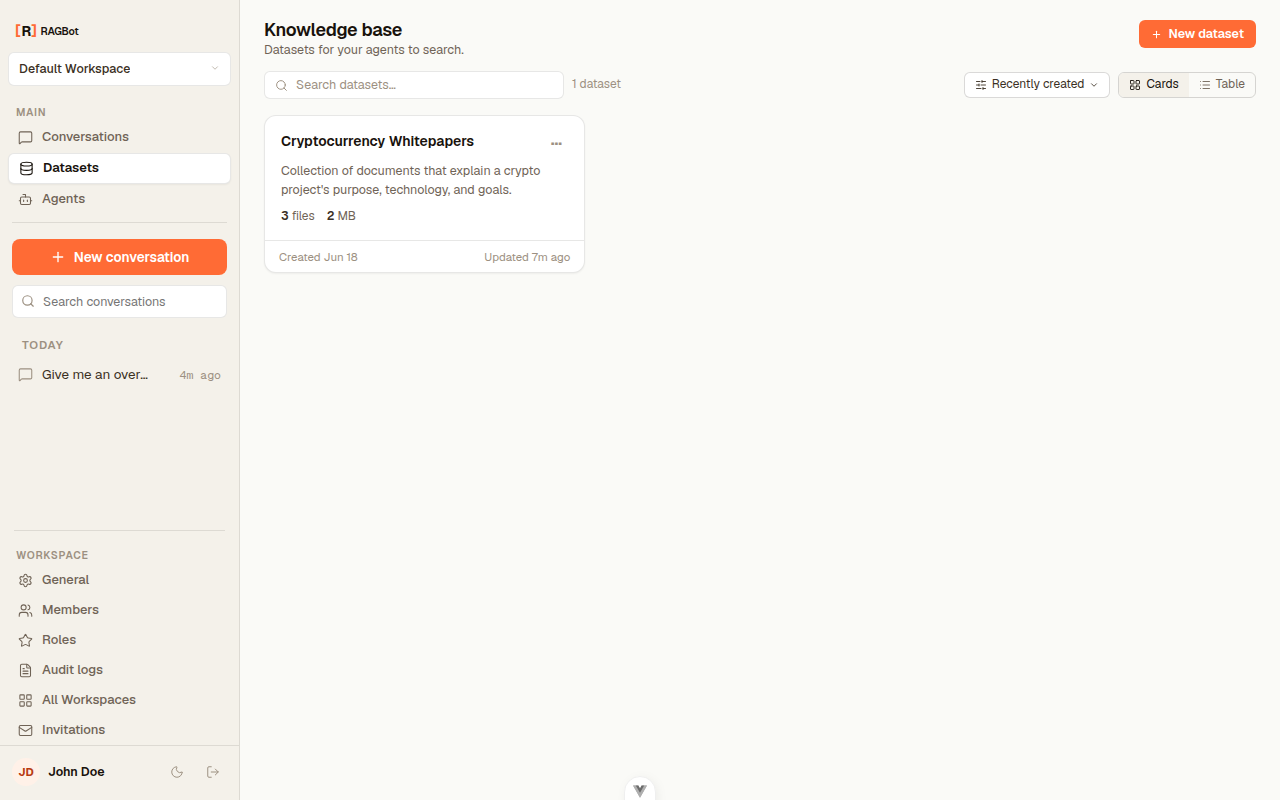
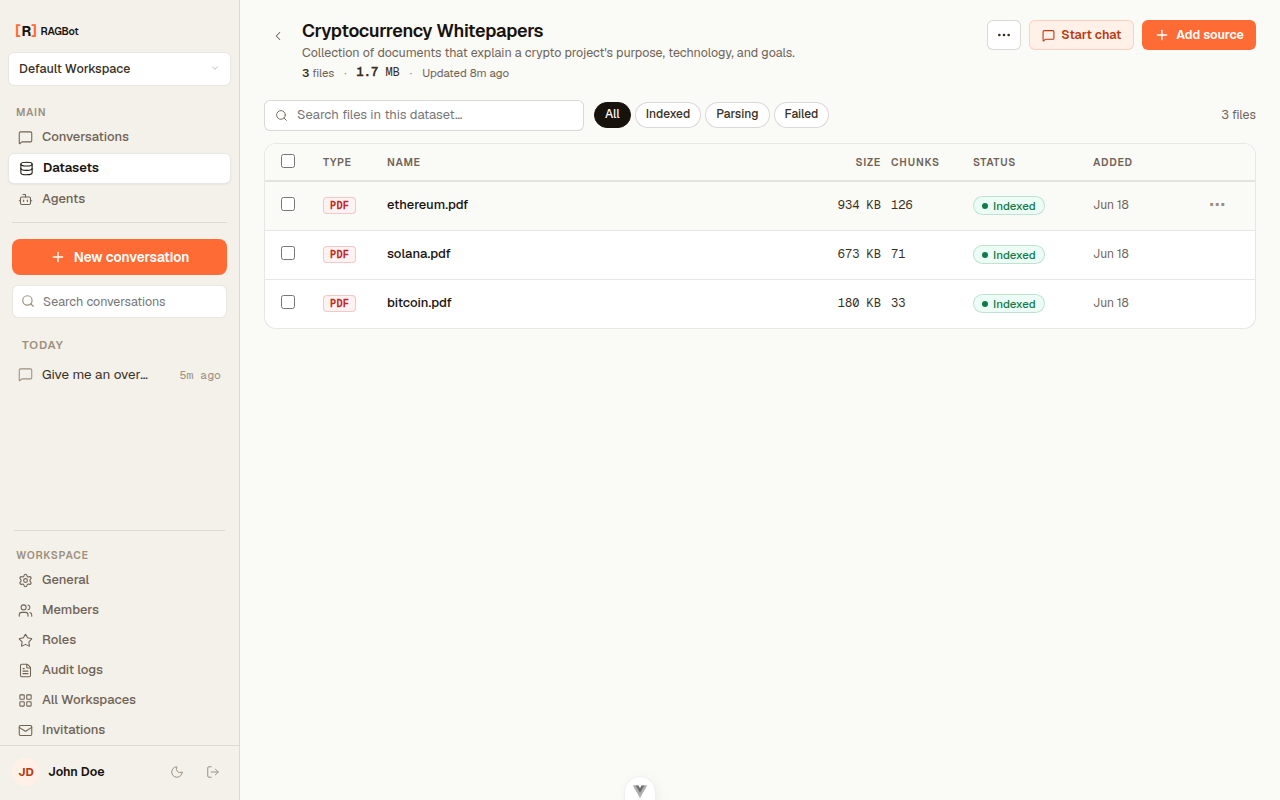
Open a dataset to see its files, each with type, size, chunk count, status, and date.
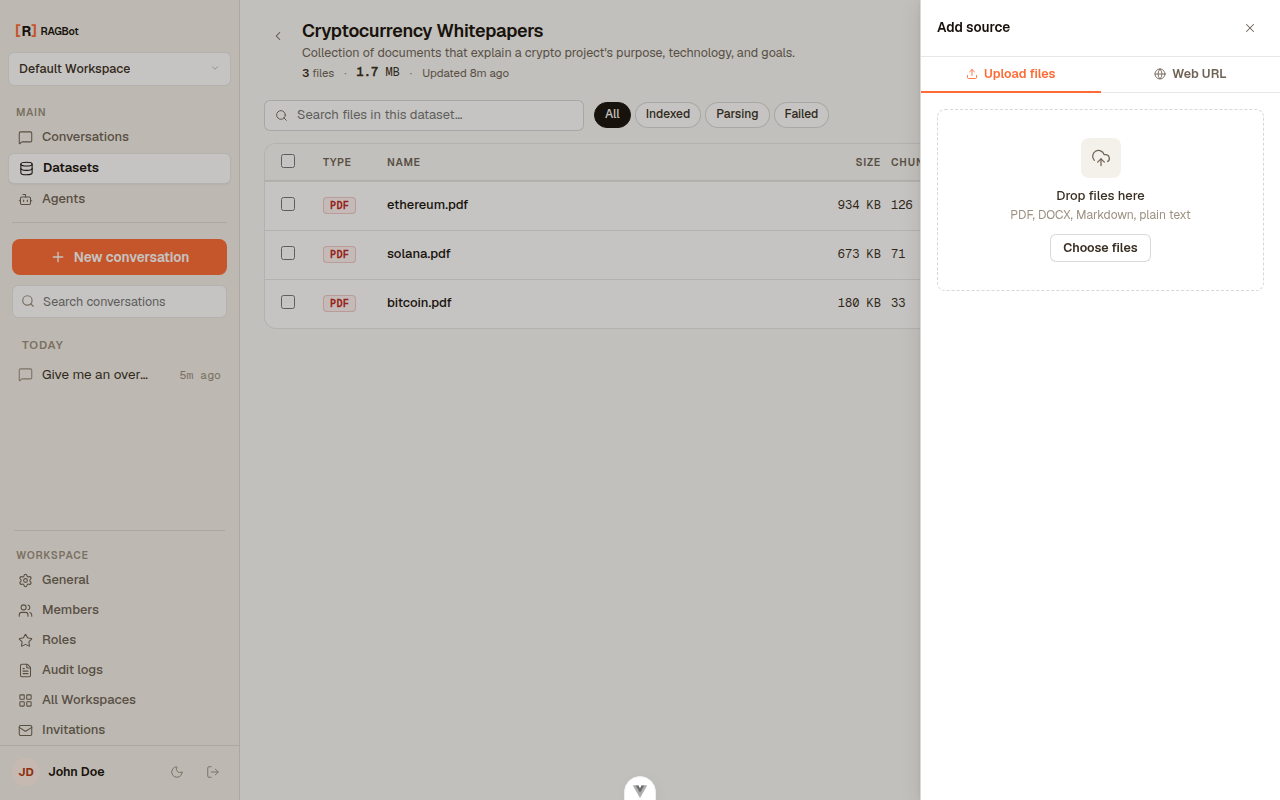
Add documents through the Add source panel — upload files or scrape a web page.
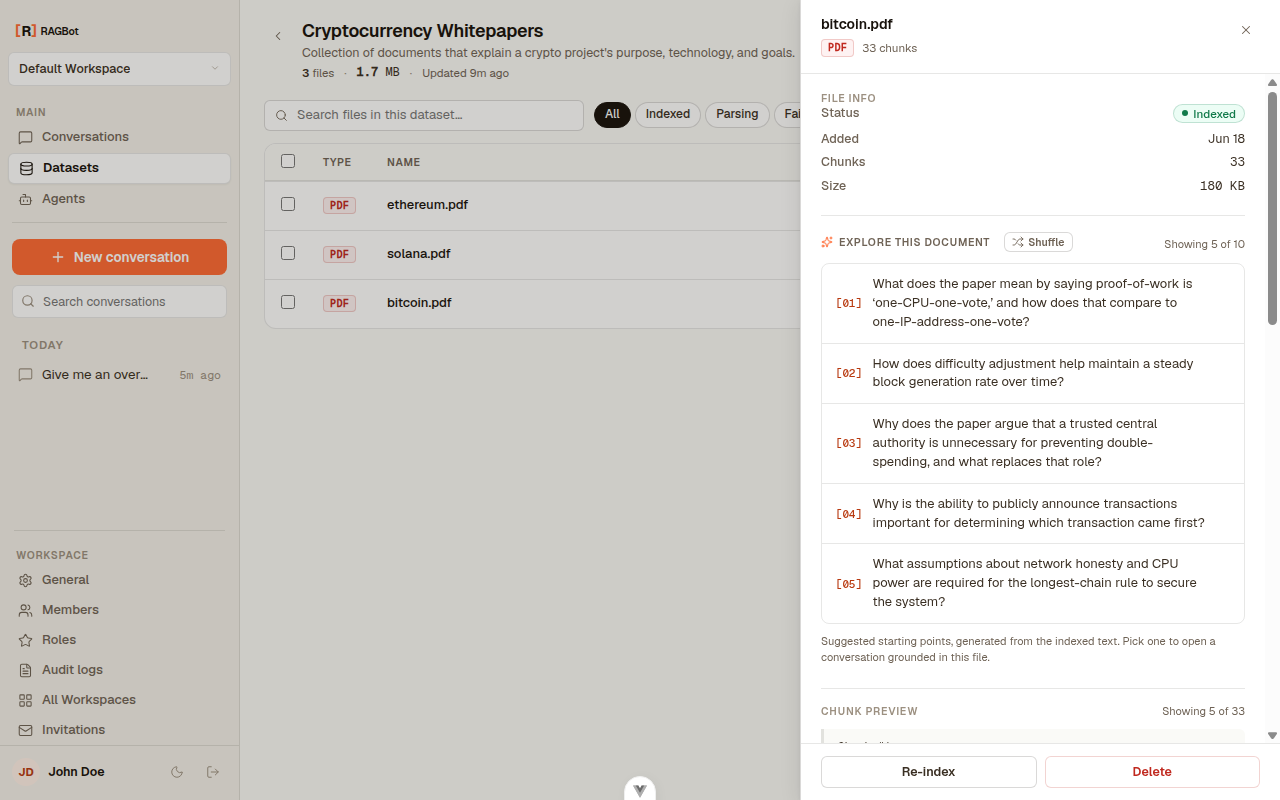
Click a file to explore it: its info, auto-generated questions, and a preview of the indexed passages.
Agents
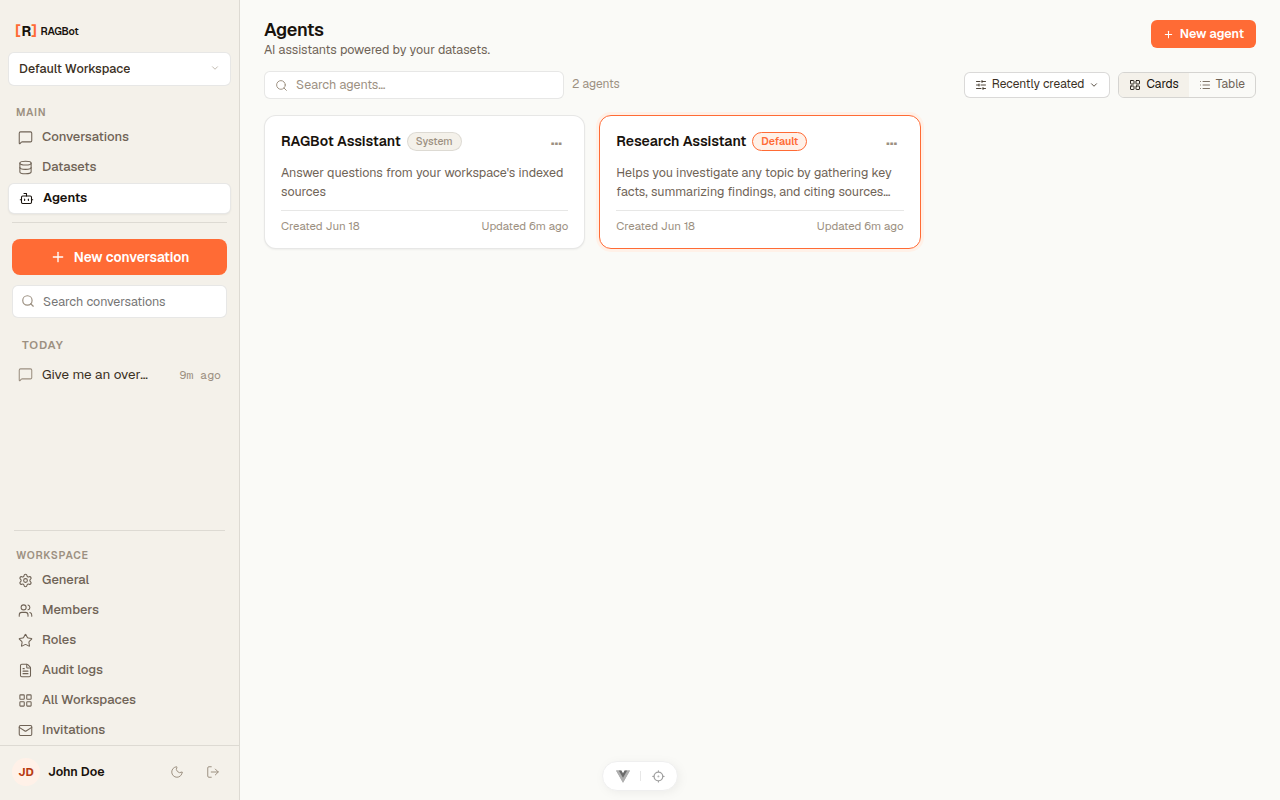
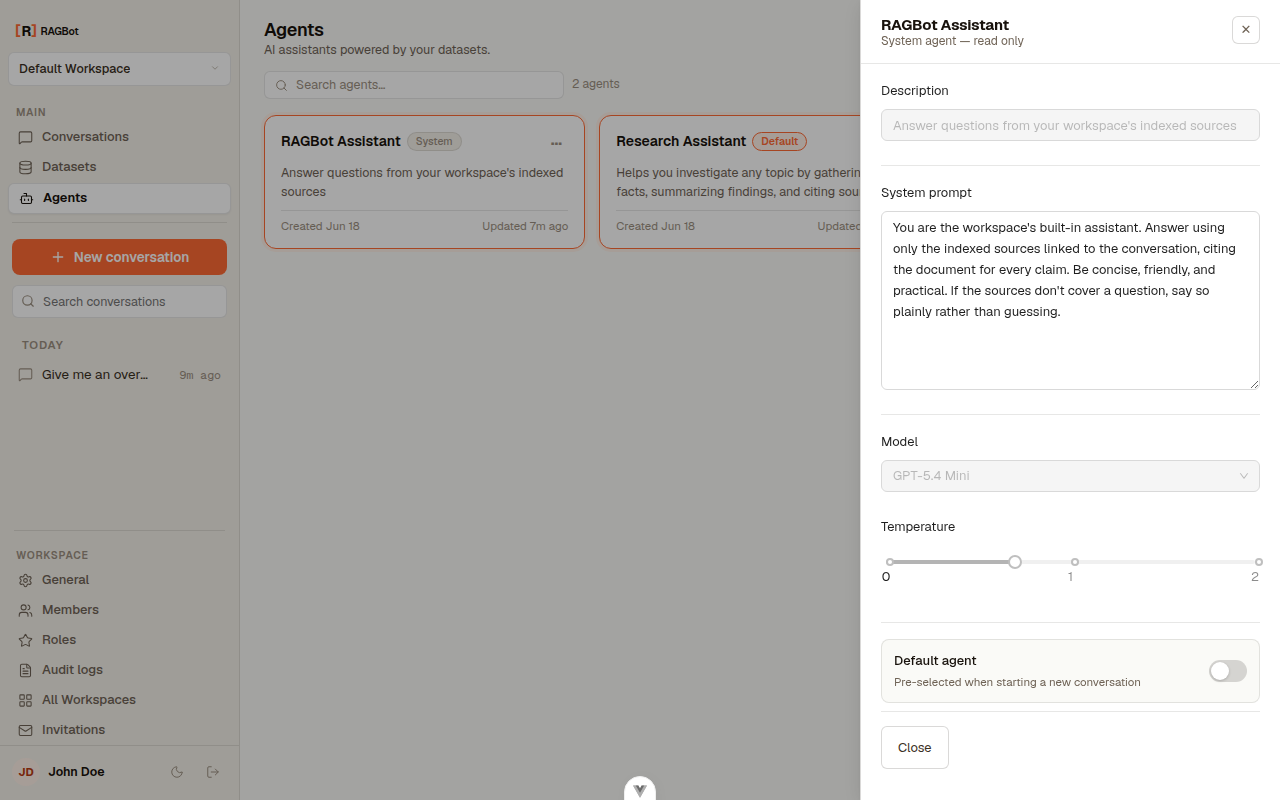
Agents are the assistants you talk to — each a persona plus a model. Every workspace ships a ready-to-use default.
Conversations & chat
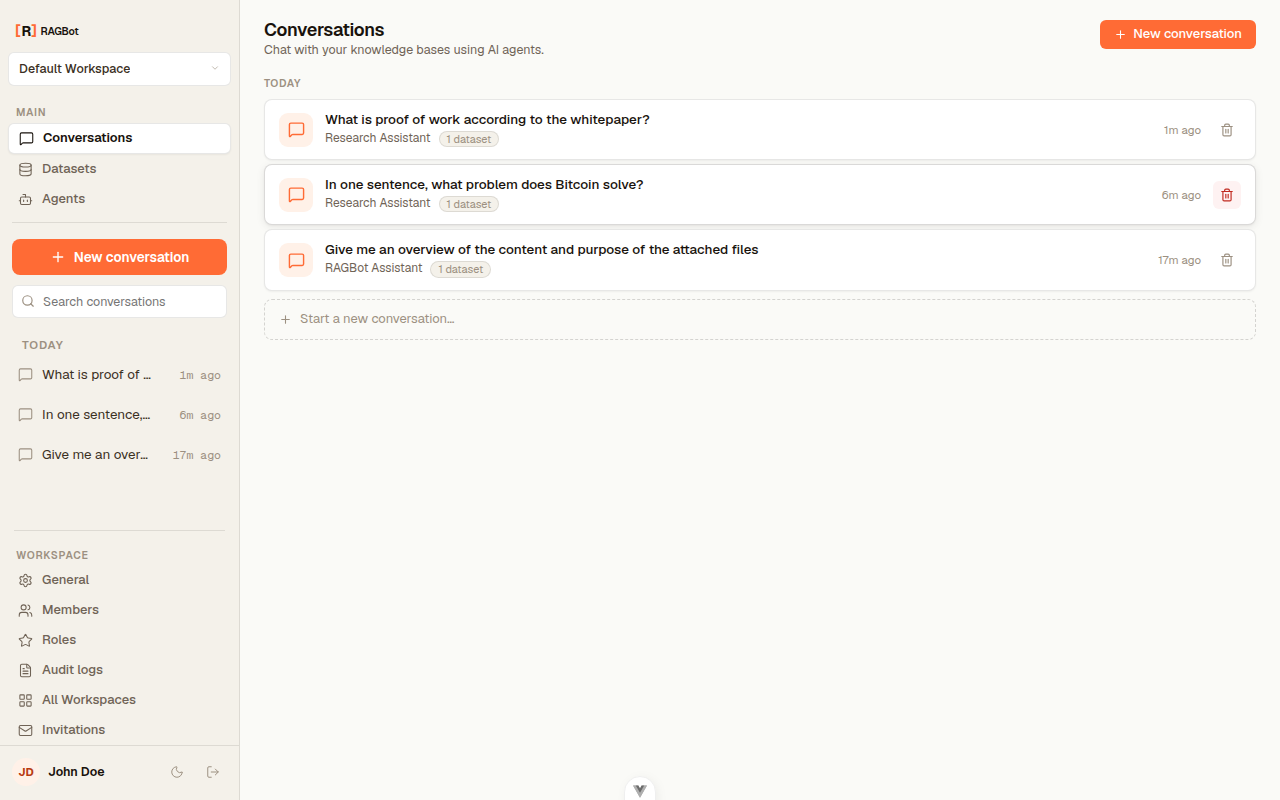
Conversations lists your chat history, grouped by day, each tagged with its agent and source count.
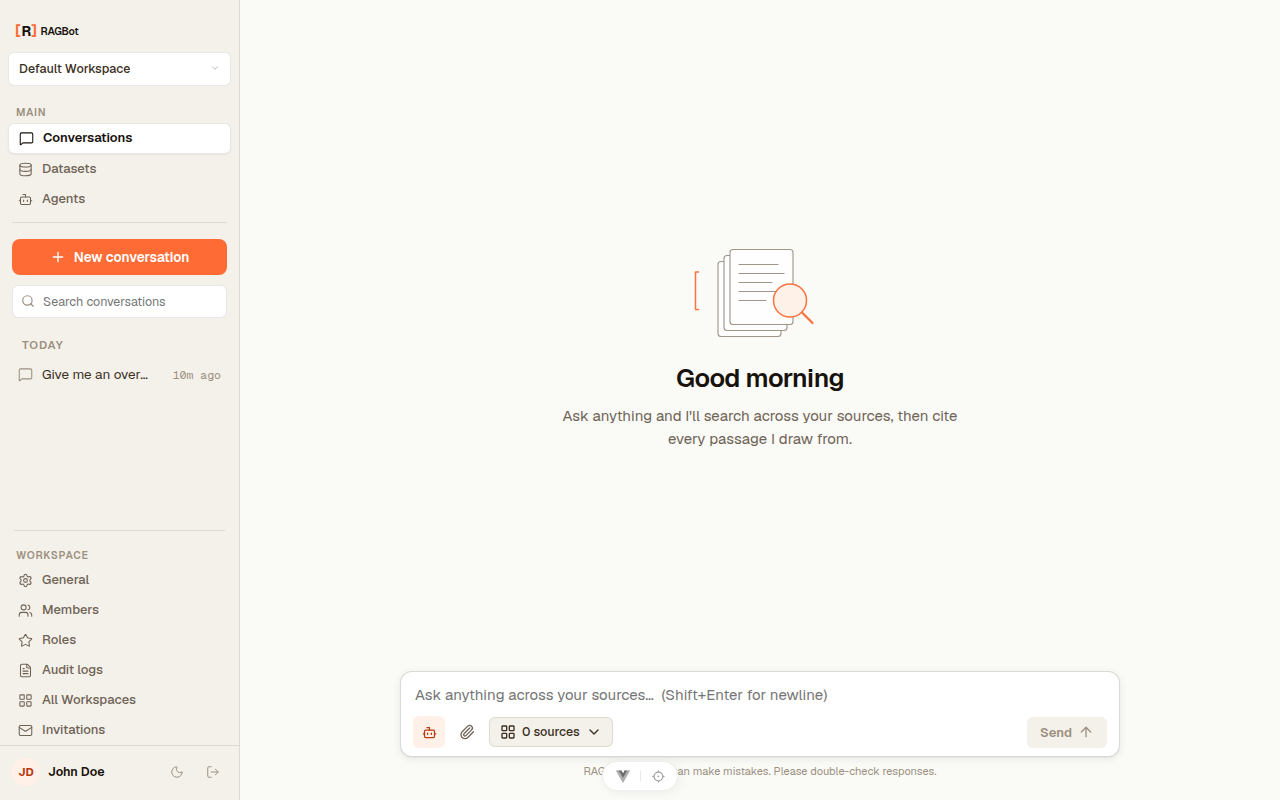
A new chat opens on a clean welcome screen. Pick an agent and choose which datasets to search.
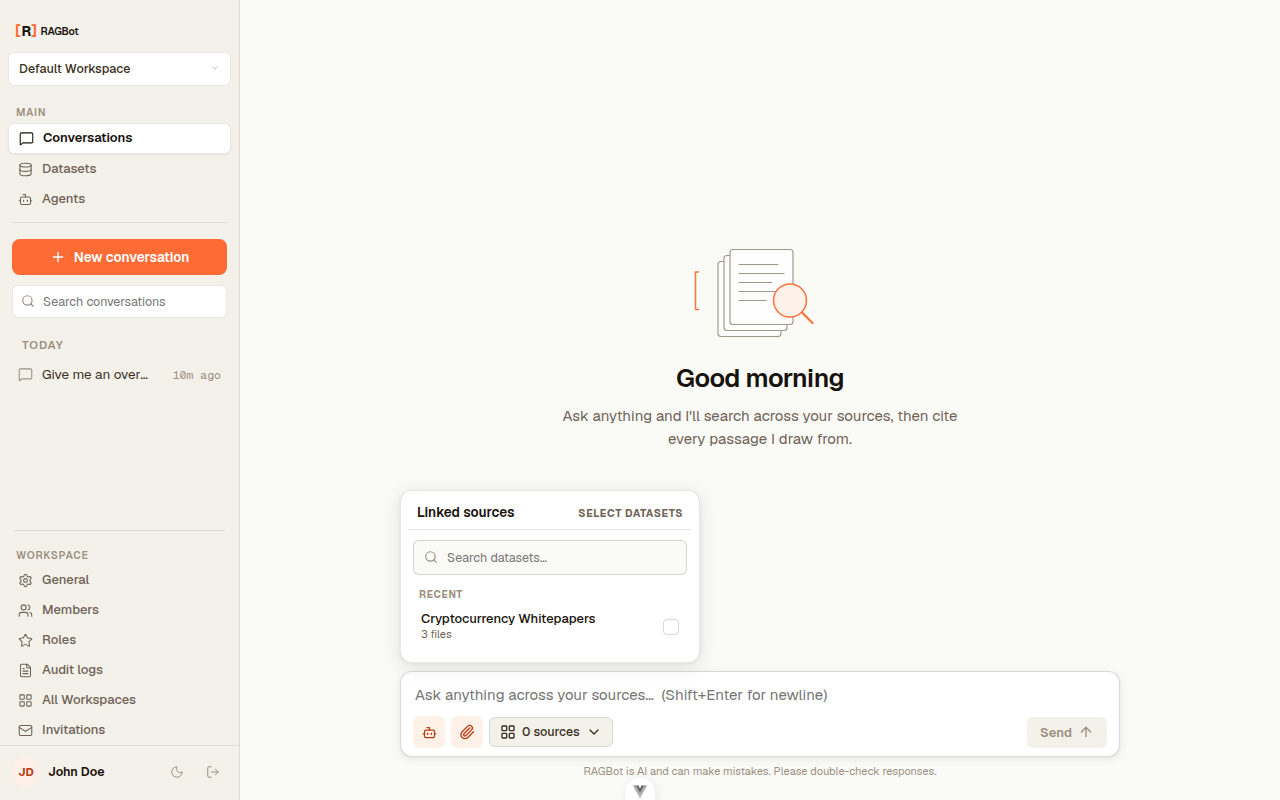
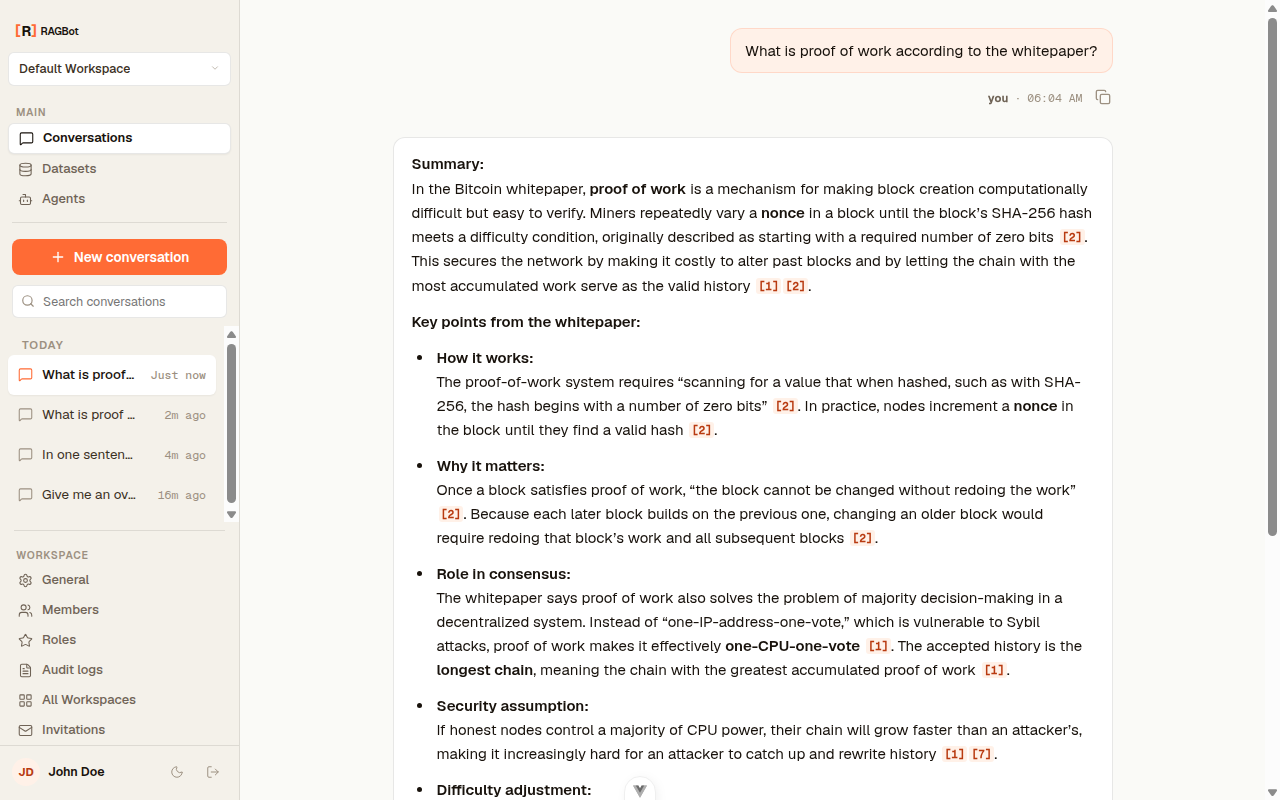
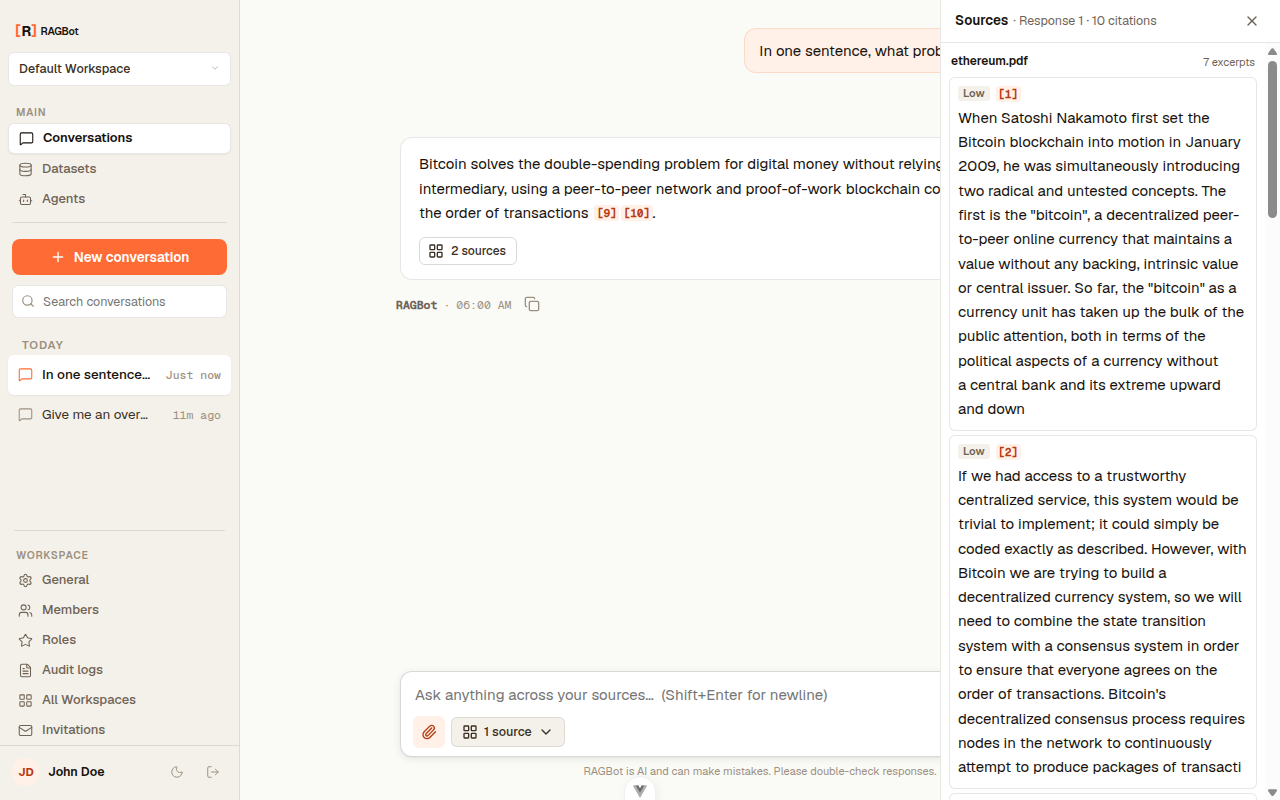
Ask a question and the answer streams in, with inline citations you can open.
Workspace settings
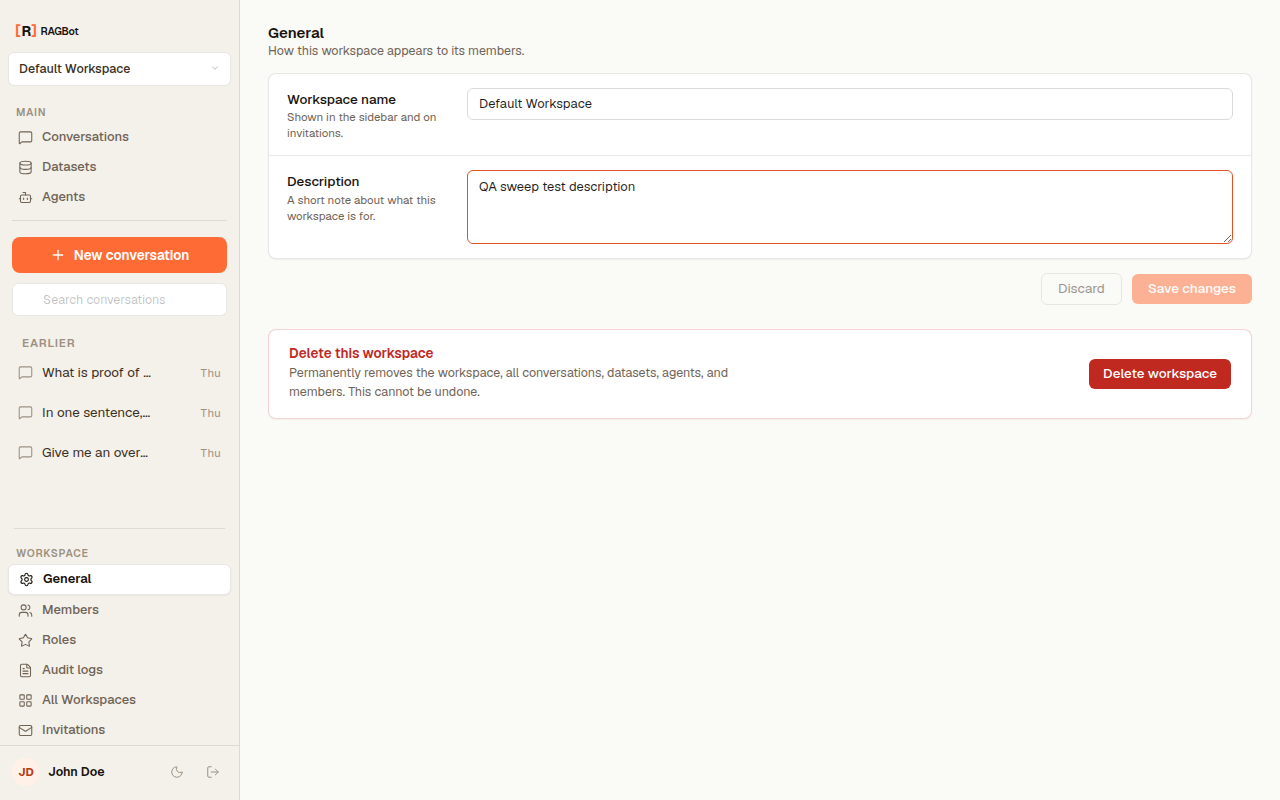
Settings gathers everything an Owner or Admin manages. The General tab renames or deletes the workspace.
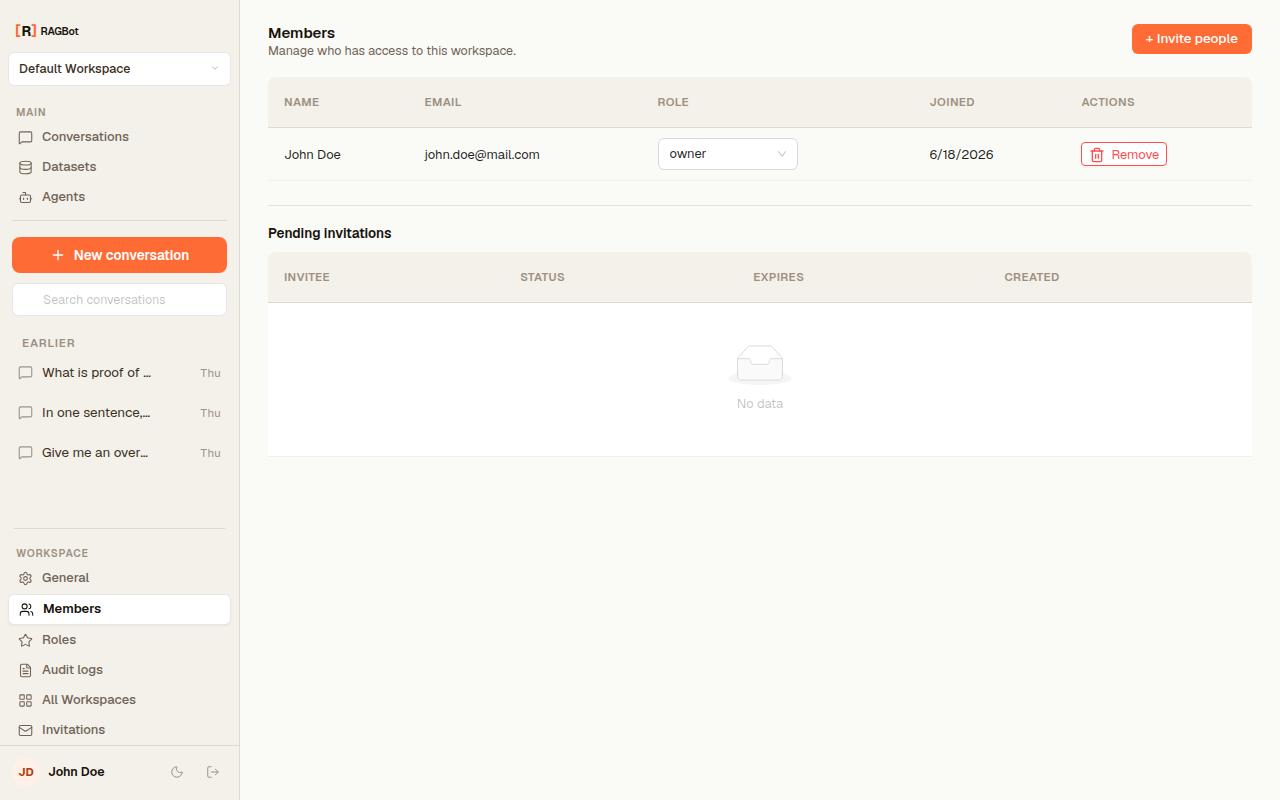
Members manages who's in the workspace and their roles.
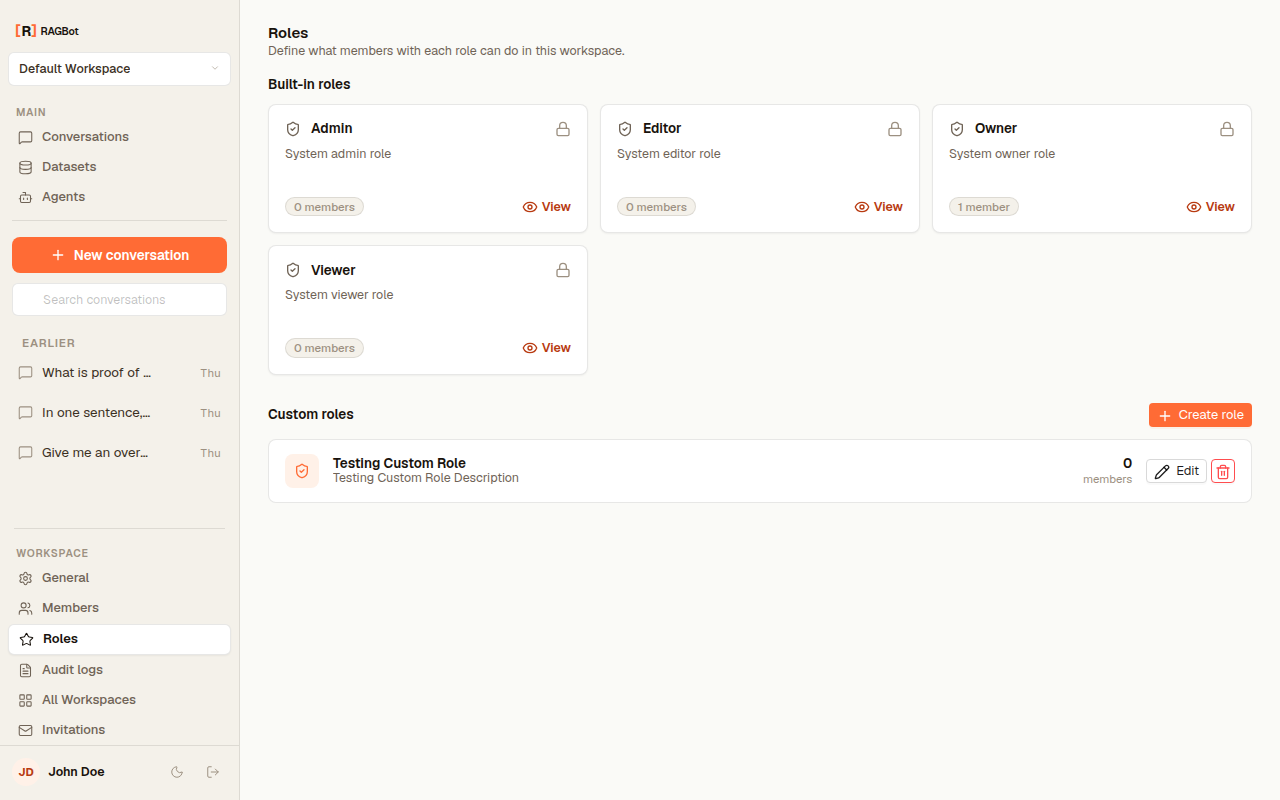
Roles shows the four built-in roles and lets you create custom ones.
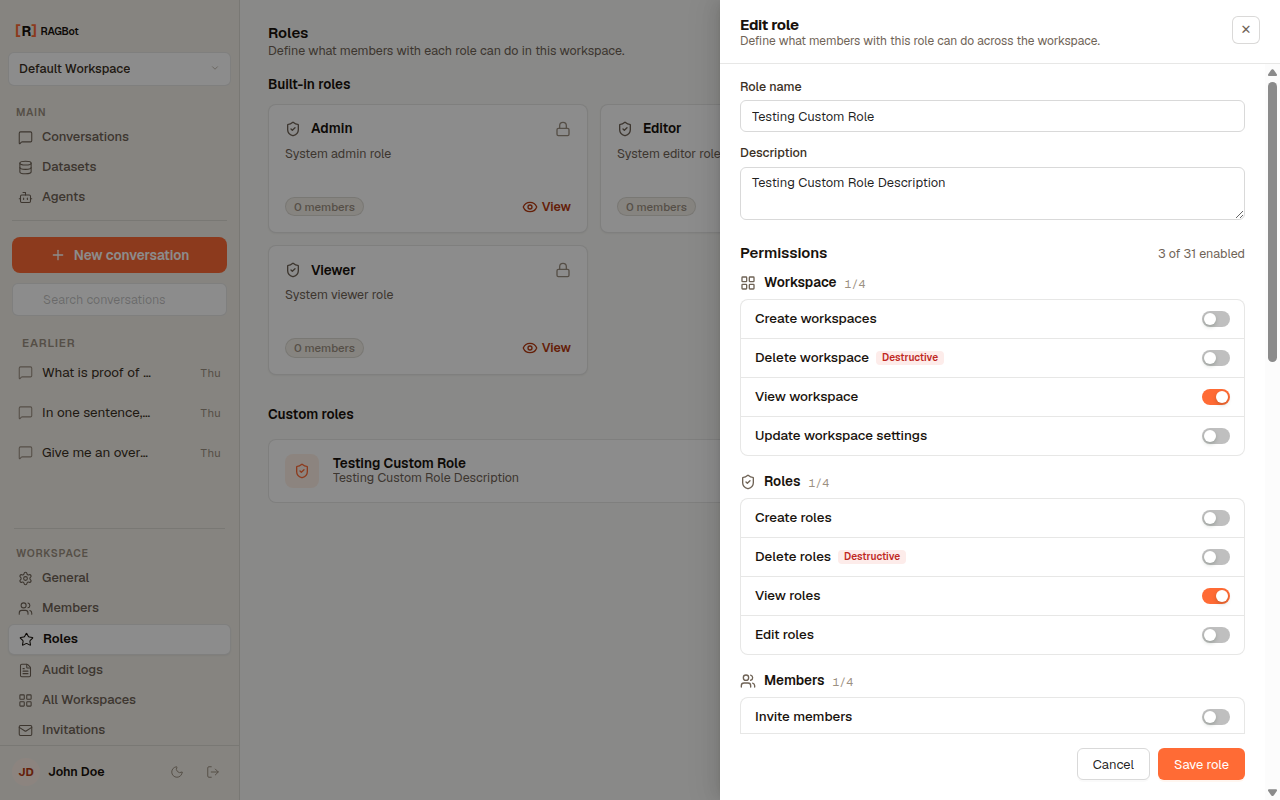
Open a role to see its permissions. Built-in roles are read-only; create a custom role to set your own.
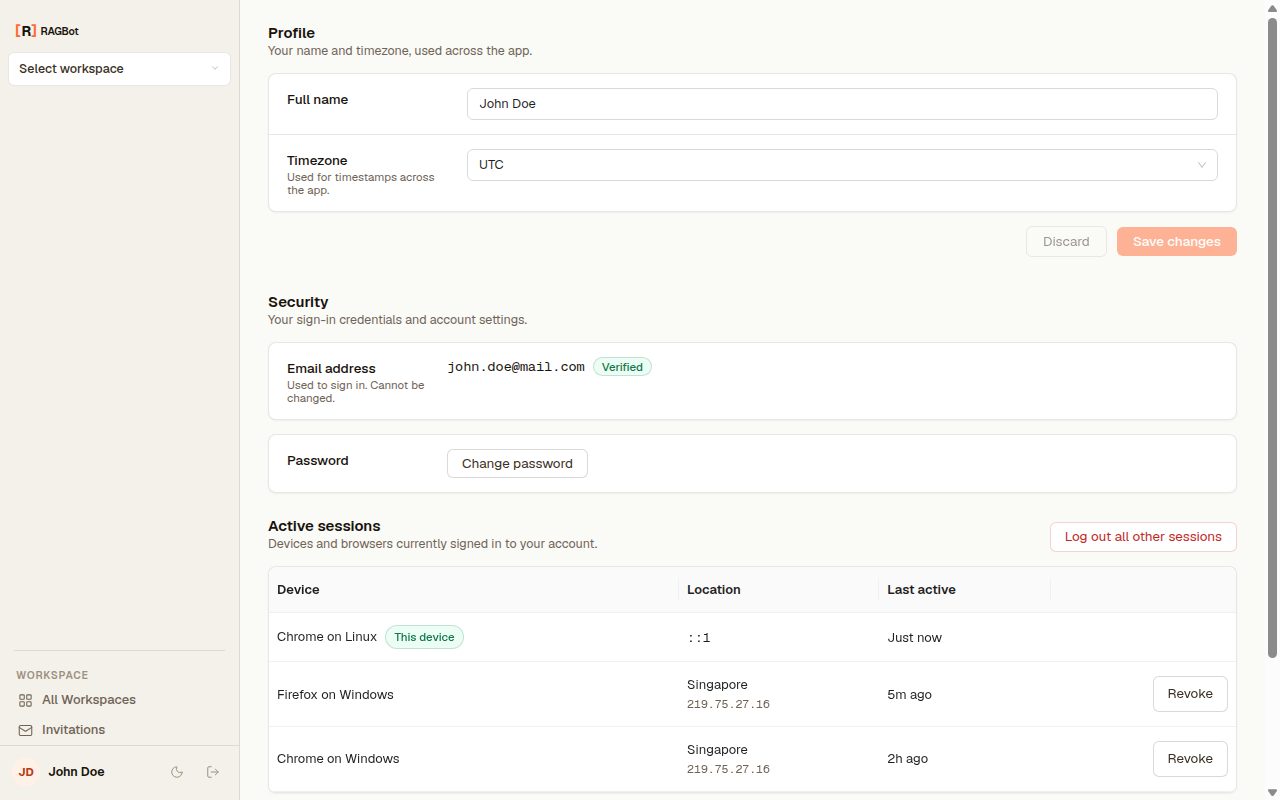
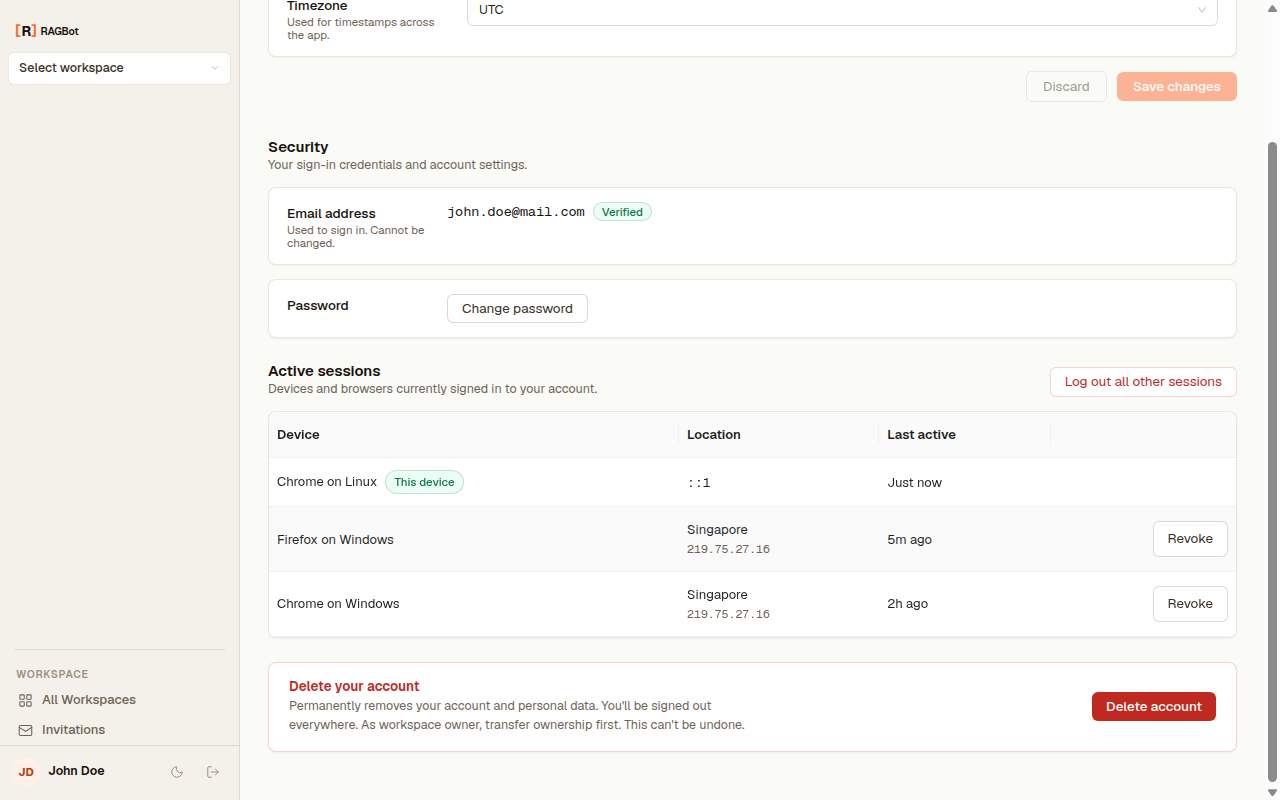
Profile and Account hold your personal settings — name, timezone, password, and the devices signed in to your account — covered in Your profile & account.
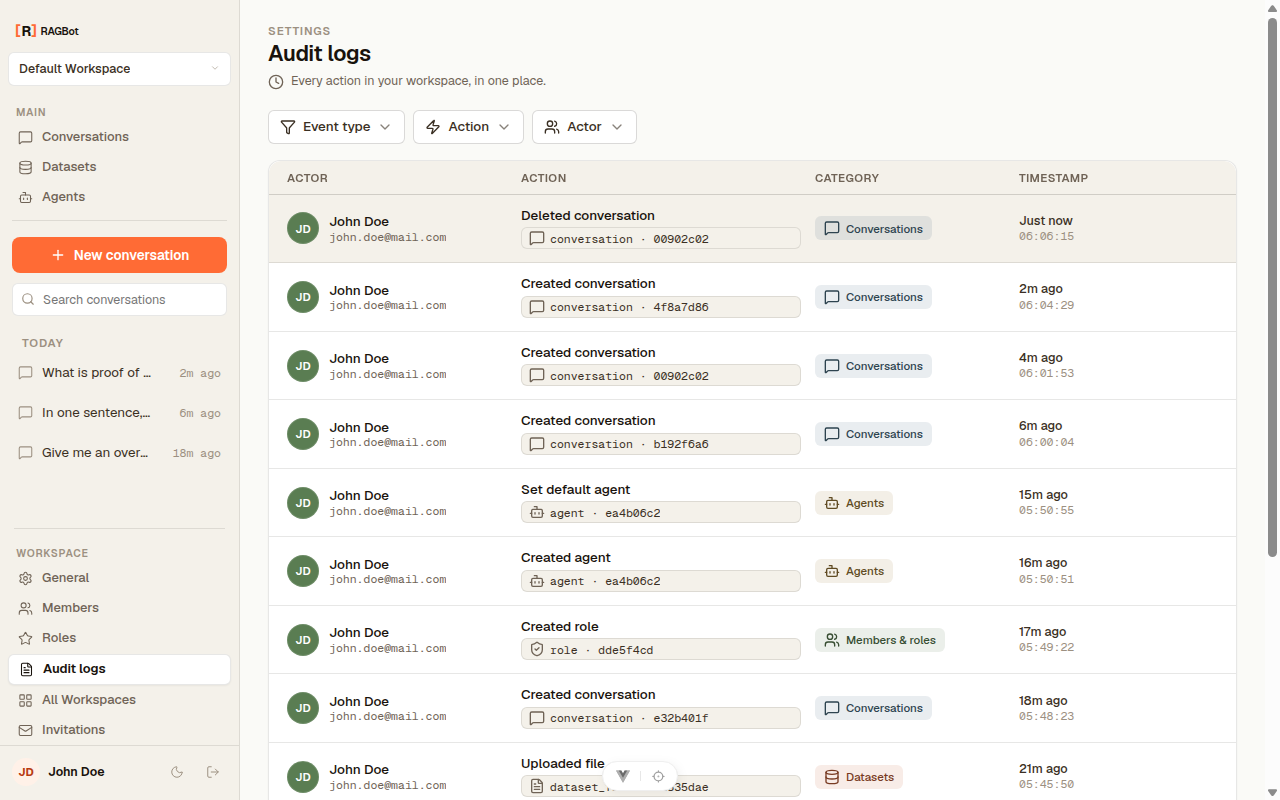
Audit logs
Finally, Audit logs records every change in the workspace — see Audit logs.